
Favicons: What You Need in 2026
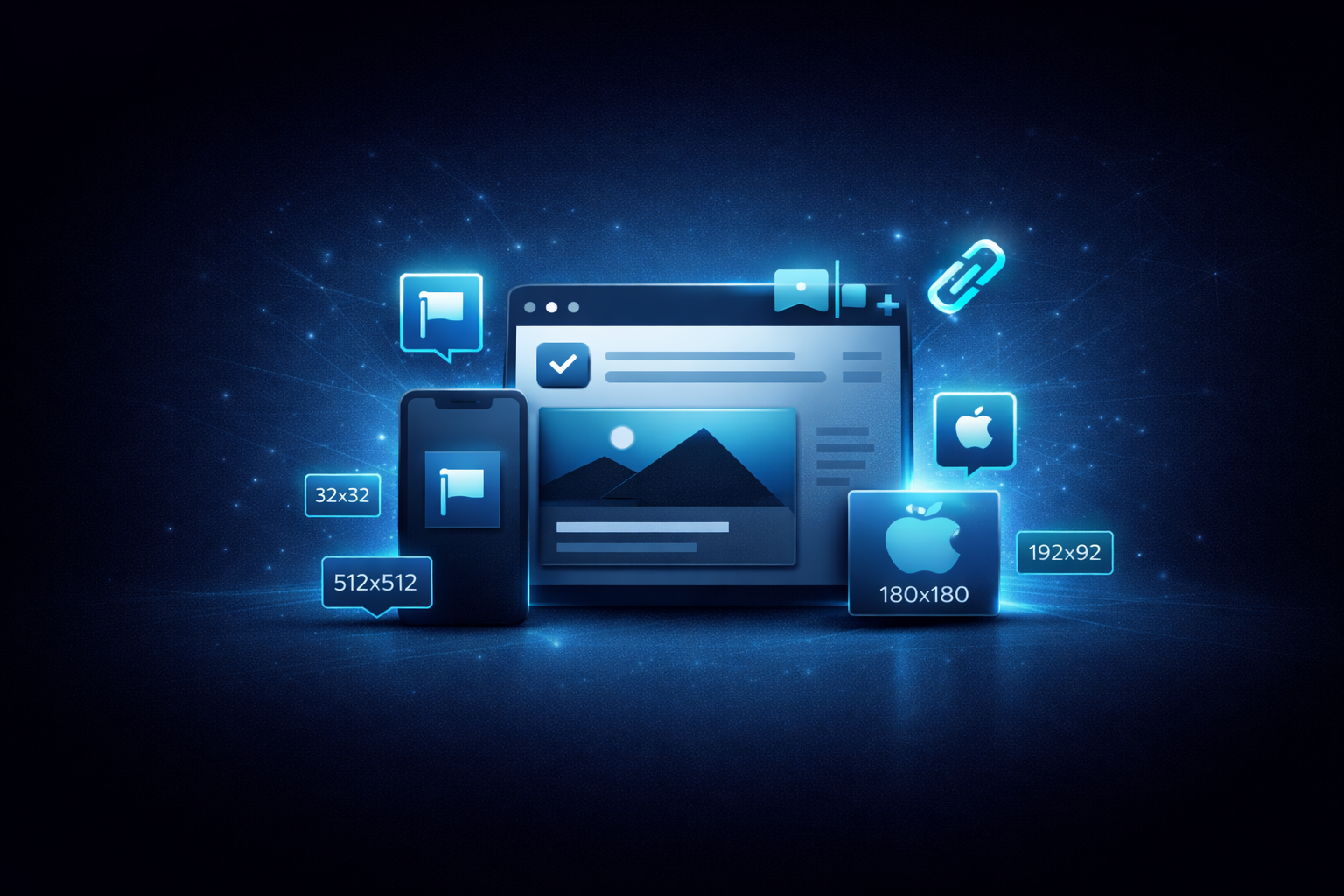
Favicons seem simple: a tiny icon in the browser tab. But modern favicon implementation is surprisingly complex.
Your icon appears in browser tabs, bookmarks, mobile home screens, the Windows taskbar, the macOS dock, and more. Each context has different size requirements, and getting it wrong means blurry or missing icons.
Where favicons show up
Browser tabs
The classic use case. Tabs display favicons at roughly 16x16 or 32x32 pixels depending on display density.
Bookmarks
When users bookmark your site, browsers may use larger icon sizes for bookmark bars and managers.
Mobile home screen
When users “Add to Home Screen”:
- iOS: Uses Apple Touch Icon (180x180)
- Android: Uses Web App Manifest icons (192x192, 512x512)
Desktop shortcuts
PWAs pinned to taskbars or docks need larger icons for sharp display.
Browser-specific requirements
- Safari: Pinned tabs use SVG with specific color
- Windows: Tile images for Start Menu
- macOS: Touch Bar icons
Required favicon files
The minimum set
At minimum, you need:
- favicon.ico (32x32): Legacy support, works everywhere
- favicon.svg (any size): Modern browsers, scalable
- apple-touch-icon.png (180x180): iOS home screen
- manifest icons (192x192, 512x512): Android and PWA
Recommended full set
/favicon.ico          (32×32, ICO format)
/favicon.svg          (scalable vector)
/apple-touch-icon.png (180×180)
/icon-192.png         (192×192 for web manifest)
/icon-512.png         (512×512 for web manifest)
/icon-maskable.png    (512×512 with safe zone)
HTML implementation
Basic setup
<head>
  <!-- Classic favicon -->
  <link rel="icon" href="/favicon.ico" sizes="32x32" />

  <!-- SVG favicon (modern browsers) -->
  <link rel="icon" href="/favicon.svg" type="image/svg+xml" />

  <!-- Apple Touch Icon -->
  <link rel="apple-touch-icon" href="/apple-touch-icon.png" />

  <!-- Web Manifest (for PWA and Android) -->
  <link rel="manifest" href="/manifest.webmanifest" />
</head>
Web manifest
The manifest.webmanifest file defines icons for PWAs:
{
  "name": "Your App Name",
  "short_name": "App",
  "icons": [
    {
      "src": "/icon-192.png",
      "sizes": "192x192",
      "type": "image/png"
    },
    {
      "src": "/icon-512.png",
      "sizes": "512x512",
      "type": "image/png"
    },
    {
      "src": "/icon-maskable.png",
      "sizes": "512x512",
      "type": "image/png",
      "purpose": "maskable"
    }
  ],
  "theme_color": "#ffffff",
  "background_color": "#ffffff"
}
SVG favicons
SVG favicons are increasingly supported and have real advantages:
- Scalable: Sharp at any size
- Often smaller file size than PNGs
- Can adapt to dark mode color schemes
Dark mode support
<link rel="icon" href="/favicon.svg" type="image/svg+xml" />In your SVG:
<svg xmlns="http://www.w3.org/2000/svg" viewBox="0 0 32 32">
  <style>
    rect { fill: #000; }
    @media (prefers-color-scheme: dark) {
      rect { fill: #fff; }
    }
  </style>
  <rect width="32" height="32" rx="4"/>
</svg>
The icon automatically adapts to the user’s color scheme.
Maskable icons
Android adaptive icons can be displayed in various shapes (circle, square, squircle). Maskable icons include a safe zone so content isn’t cropped.
Safe zone: The inner 80% of the icon (40% from center in each direction).
Design maskable icons with:
- Important content in the center 80%
- Background extending to edges
- No transparency
Apple touch icon best practices
For iOS:
- 180x180 pixels
- PNG format
- No transparency (iOS adds effects)
- No rounded corners (iOS applies them)
Multiple sizes
For optimal sharpness across devices:
<link rel="apple-touch-icon" sizes="180x180" href="/apple-touch-icon.png" />
<link rel="apple-touch-icon" sizes="152x152" href="/apple-touch-icon-152.png" />
<link rel="apple-touch-icon" sizes="120x120" href="/apple-touch-icon-120.png" />
Most sites just use the 180x180 version. iOS scales down reasonably well.
Testing favicons
Browser DevTools
Check what favicon is loading:
- Open DevTools, go to the Network tab
- Filter by “favicon” or “icon”
- Verify correct files load
Real device testing
Simulators don’t always match real behavior:
- Add to iOS home screen
- Add to Android home screen
- Pin to taskbar (Windows/macOS)
Our favicon checker
The Favicon Checker analyzes any URL for:
- favicon.ico presence and validity
- SVG favicon
- Apple Touch Icon
- Web manifest and icons
- Missing required sizes
- Recommendations
It shows what’s working and what’s missing.
Common favicon problems
Blurry icons
Cause: Wrong size or format Fix: Provide appropriate sizes, prefer SVG
Missing on mobile home screen
Cause: No apple-touch-icon or manifest Fix: Add both with correct sizes
Wrong icon displaying
Cause: Caching, multiple declarations Fix: Clear cache, make sure declarations are consistent
Slow loading
Cause: Large icon files Fix: Optimize PNGs, use SVG where supported
Generating favicons
From SVG
If you have an SVG logo:
- Create
/favicon.svgfrom your logo - Export PNGs at required sizes
- Create ICO from 32x32 PNG (online converters work)
- Create maskable version with safe zone
Tools
- RealFaviconGenerator: Full-featured generator
- Favicon.io: Simple converter
- Figma: Export at specific sizes
- ImageMagick: Command-line generation
Our social media image generator
For creating properly sized icons, you can also use our Social Media Image Generator with custom dimensions for each required size.
Framework integration
Next.js
App Router:
app/
  favicon.ico
  apple-icon.png
  icon.svg
Next.js automatically generates appropriate meta tags.
Astro
In public/ folder, link in layout:
<link rel="icon" href="/favicon.svg" type="image/svg+xml" />
<link rel="apple-touch-icon" href="/apple-touch-icon.png" />
WordPress
Customizer, then Site Identity, then Site Icon.
Upload a 512x512 image; WordPress generates required sizes.
Favicon caching
Favicons are aggressively cached. When updating:
- Change the filename (version it)
- Or add query string:
favicon.ico?v=2 - Update all references
- Browsers may still cache, so clearing helps
<link rel="icon" href="/favicon.ico?v=2" sizes="32x32" />Take action
- Check your current setup with Favicon Checker
- Identify missing icons
- Generate required files from your logo
- Implement correct HTML references
- Test on real devices
For help with PWA setup or branding, reach out.
Need help shipping?
We help teams build and ship software that works. Performance, SEO, features, weekly demos, full ownership.
Tell Us What’s Stuck